Natural Skin Restoration — Before & After
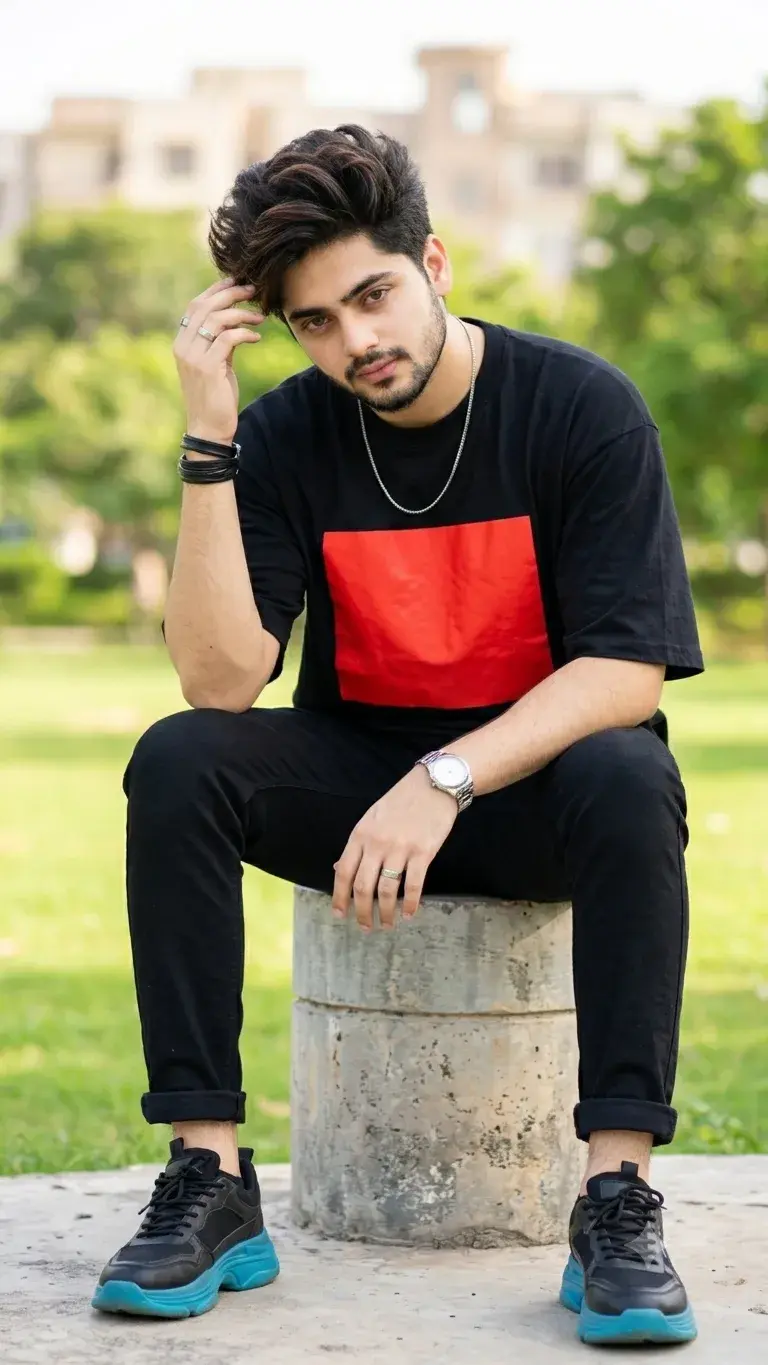
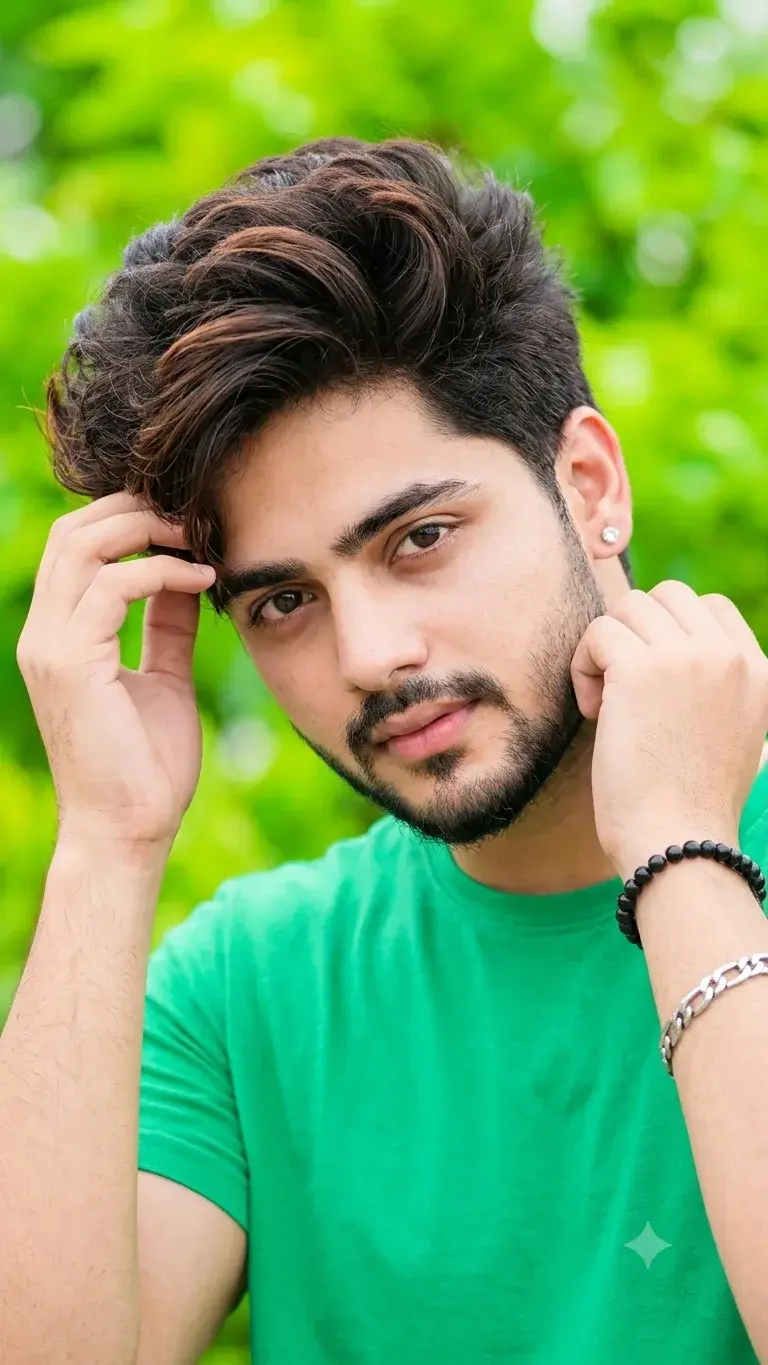
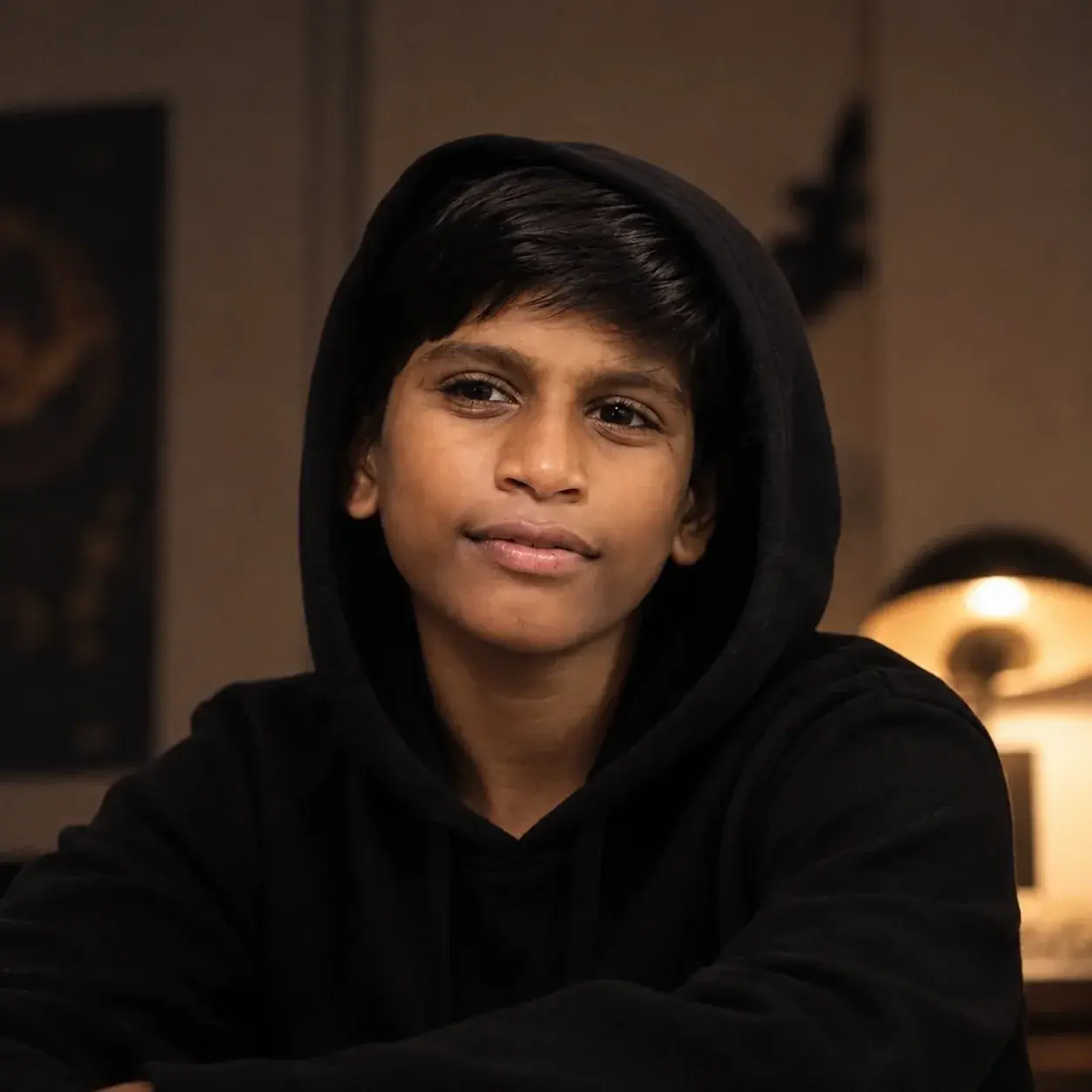
Create a highly realistic before-and-after facial skin restoration portrait using the uploaded image as the exact reference. Keep the face perfectly aligned and preserve the same person, facial structure, proportions, eyes, eyebrows, nose, lips, jawline, hair, expression, skin tone, and overall identity without changing or redesigning any facial features.
The image should be split vertically down the center of the face. The left side should retain realistic natural skin imperfections such as acne, small blemishes, redness, and uneven texture. The right side should show naturally improved, clearer and healthier-looking skin while keeping the exact same facial features and expression.
Make the transition clean and precisely aligned at the center. The restored side should have realistic pores, subtle natural skin texture, balanced complexion, and soft healthy luminosity—not plastic or overly airbrushed skin. Preserve the original hair, eyes, eyebrows, nose, lips, face shape, lighting, camera angle, framing, and background.
Photorealistic beauty photography, professional studio lighting, high facial detail, realistic skin pores, natural color tones, sharp eyes, fine hair detail, subtle depth of field, ultra-HD 4K quality, clean image, realistic retouching, no artificial face changes, no face reshaping, no beauty filter, no excessive smoothing, no distortion, no extra features, no watermark, no text.