Rim Light Pic
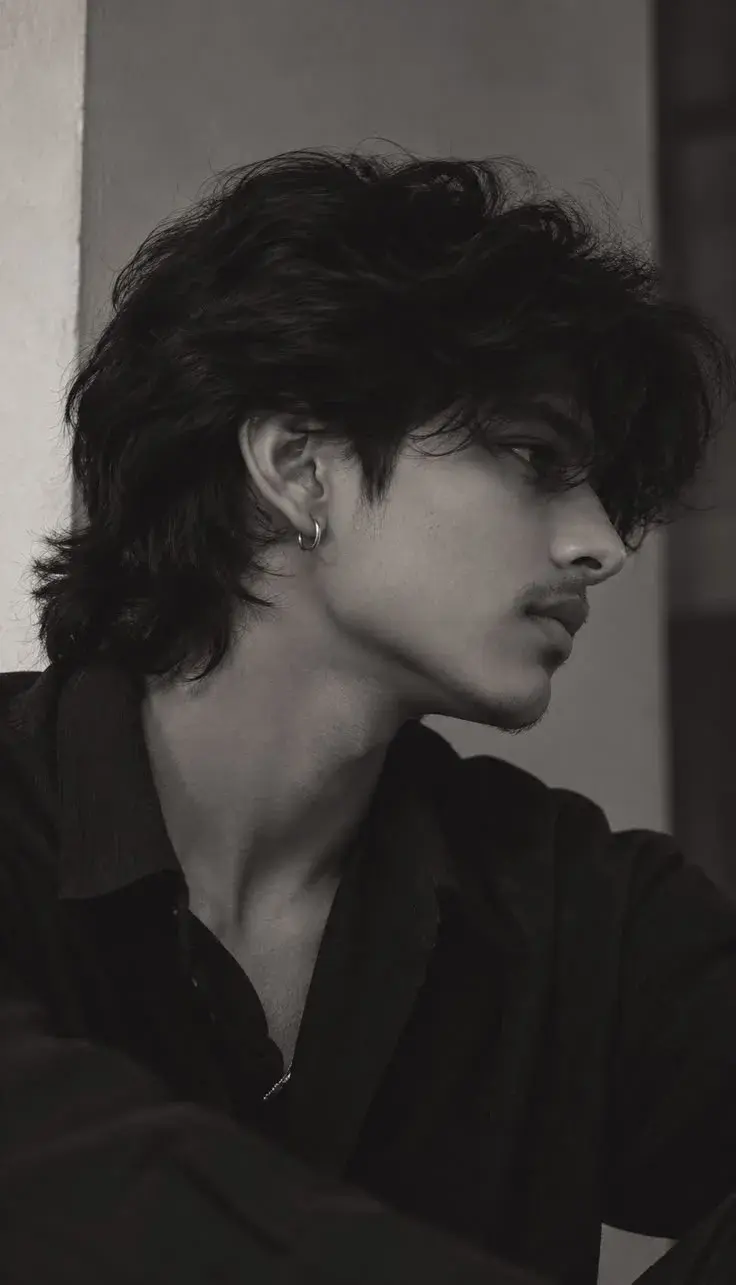
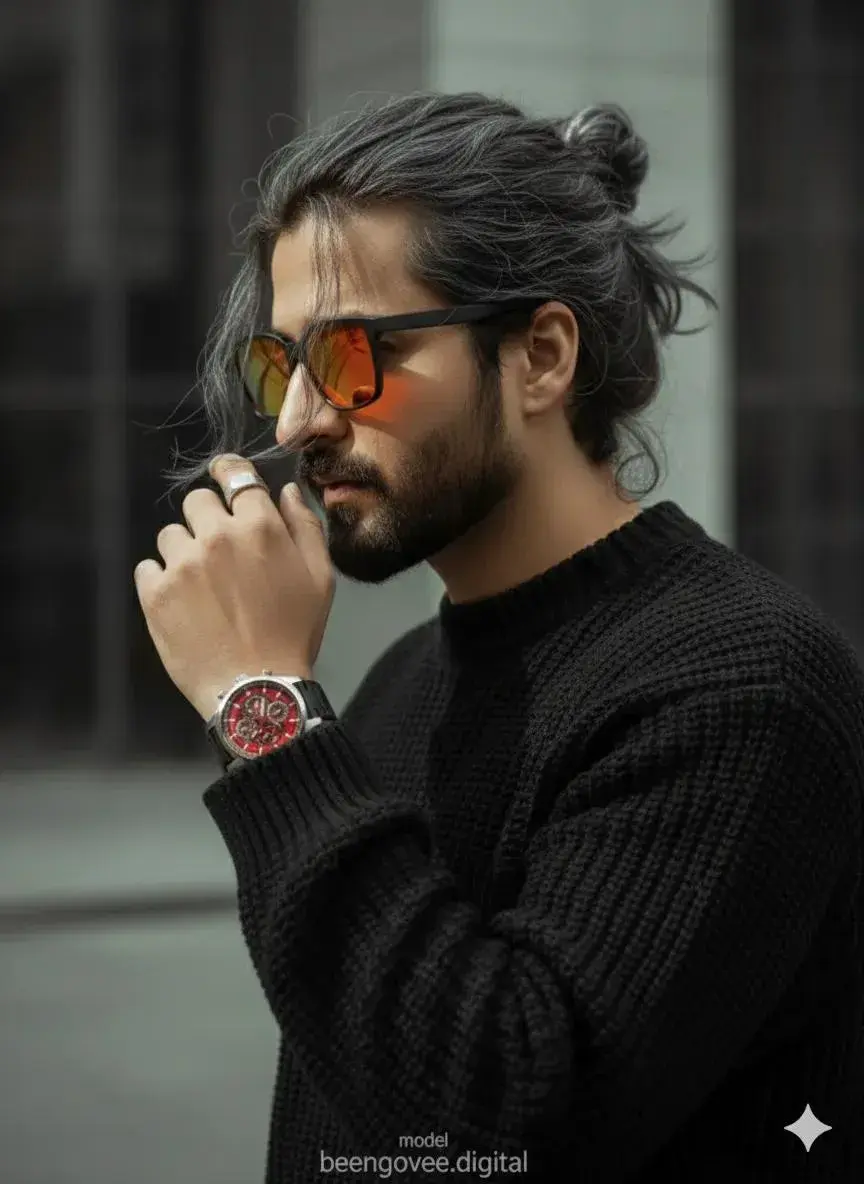
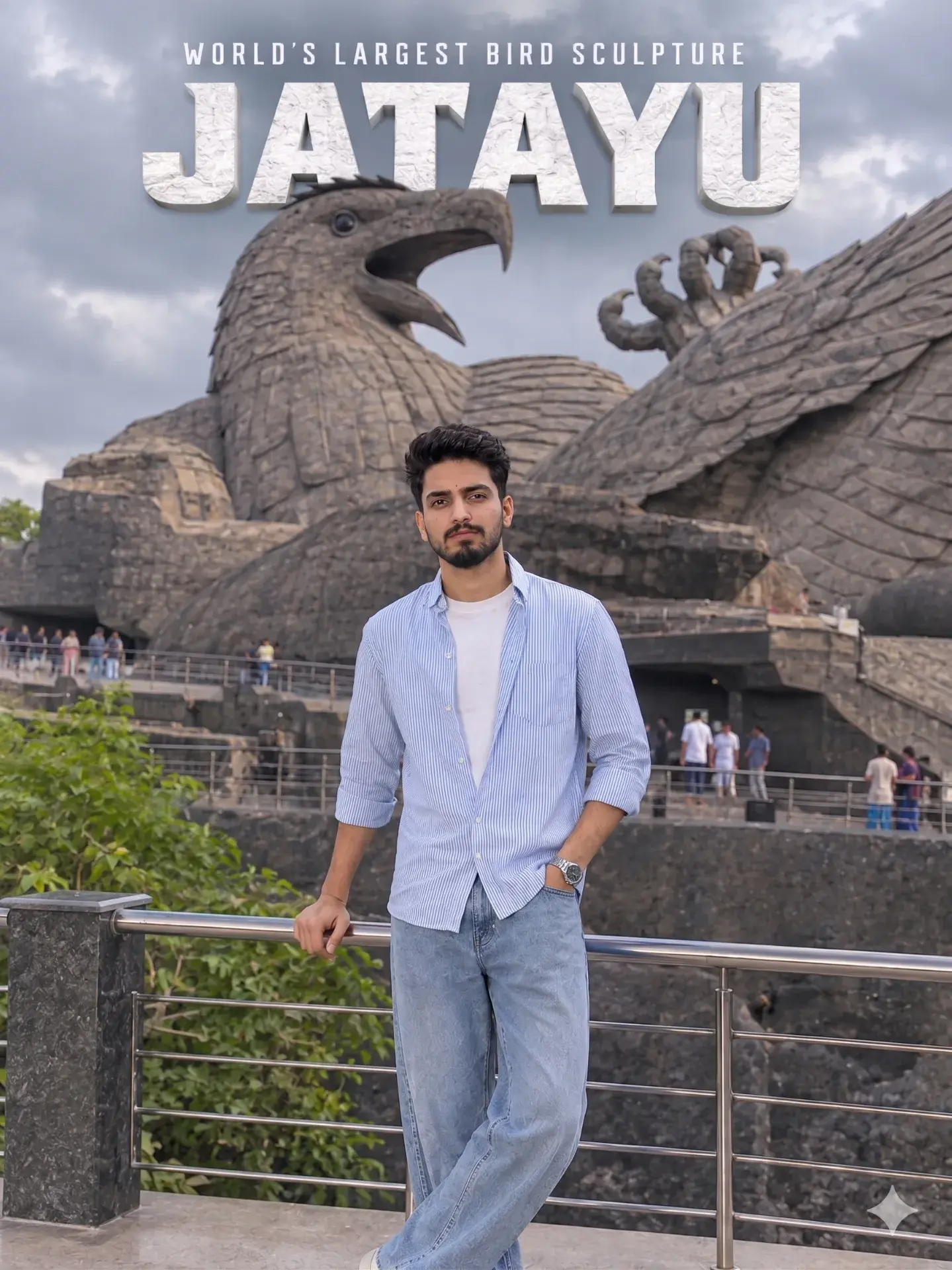
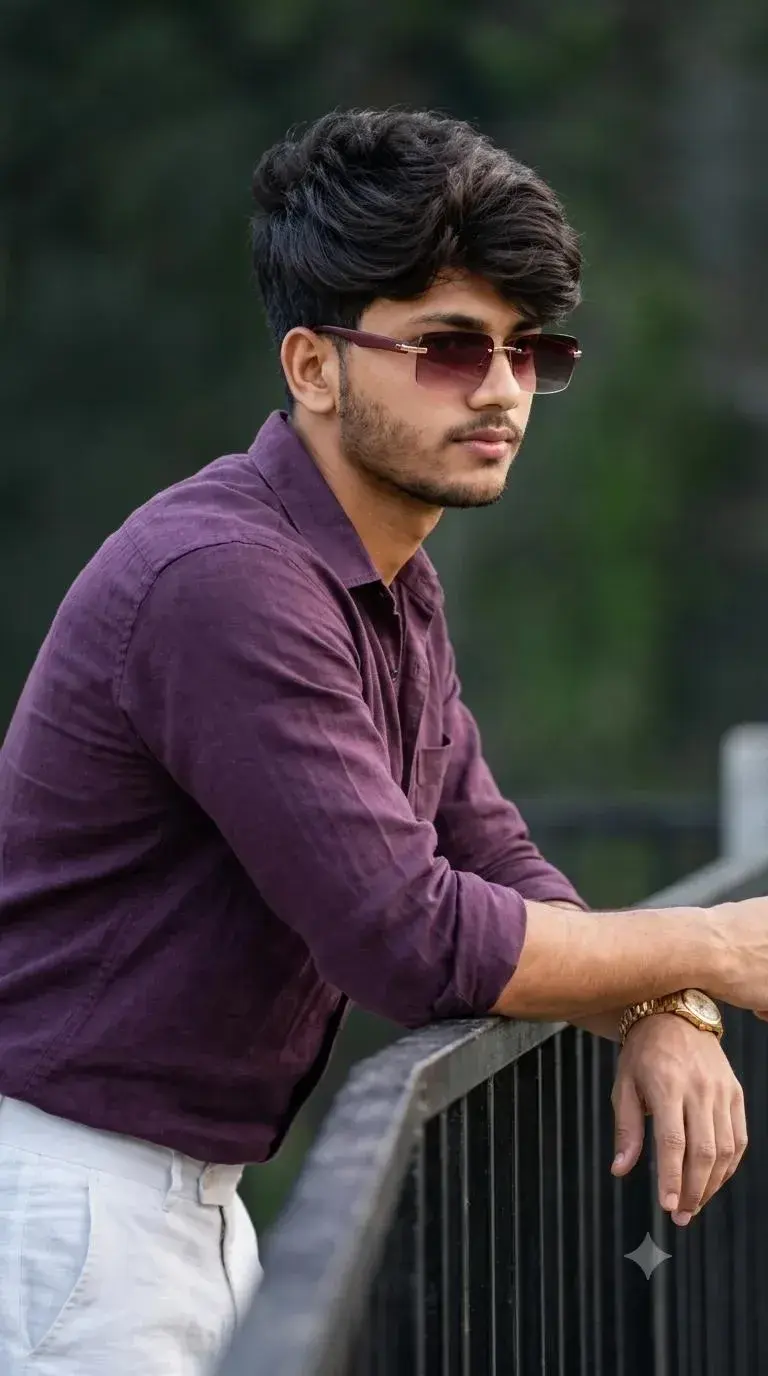
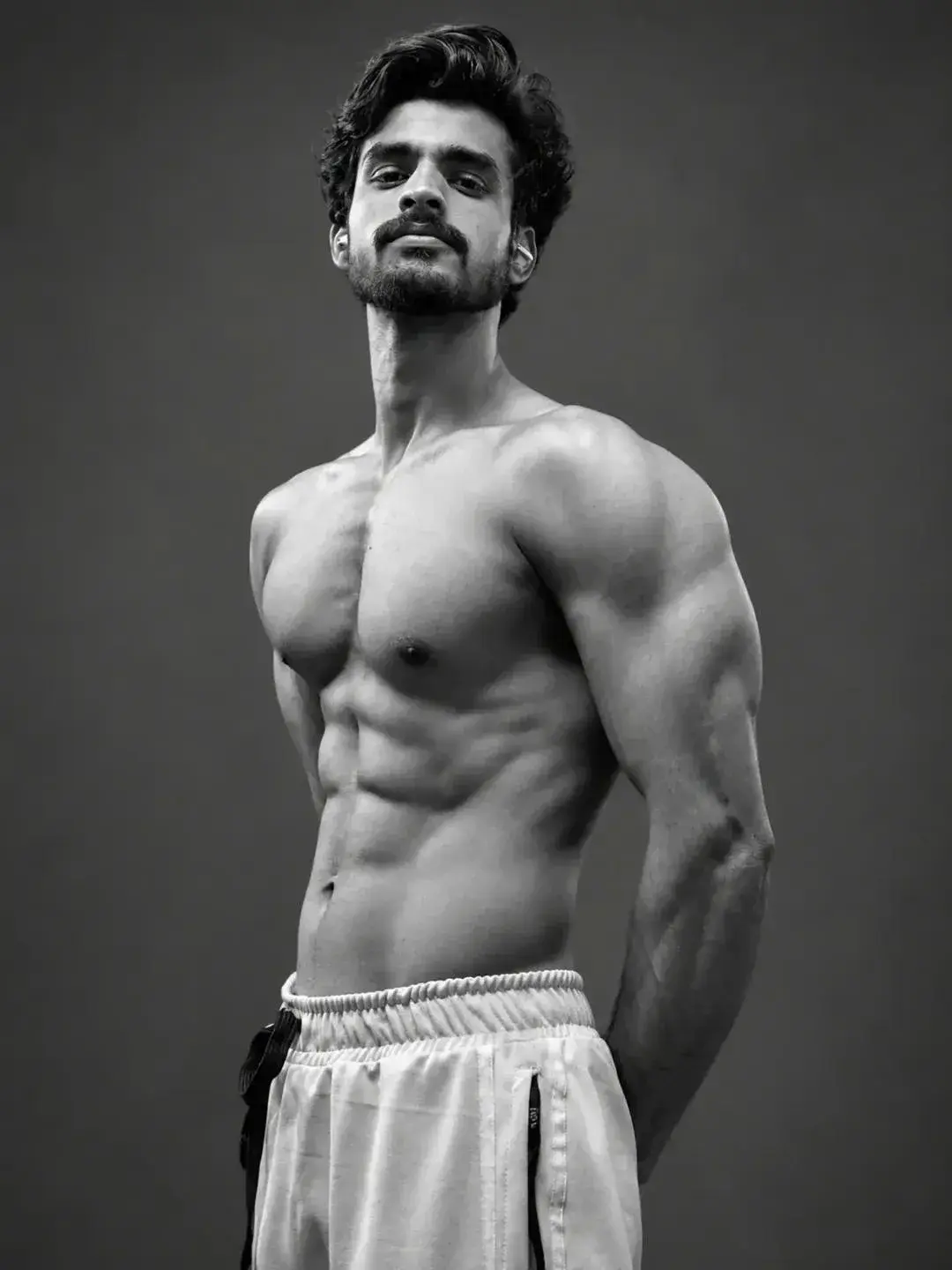
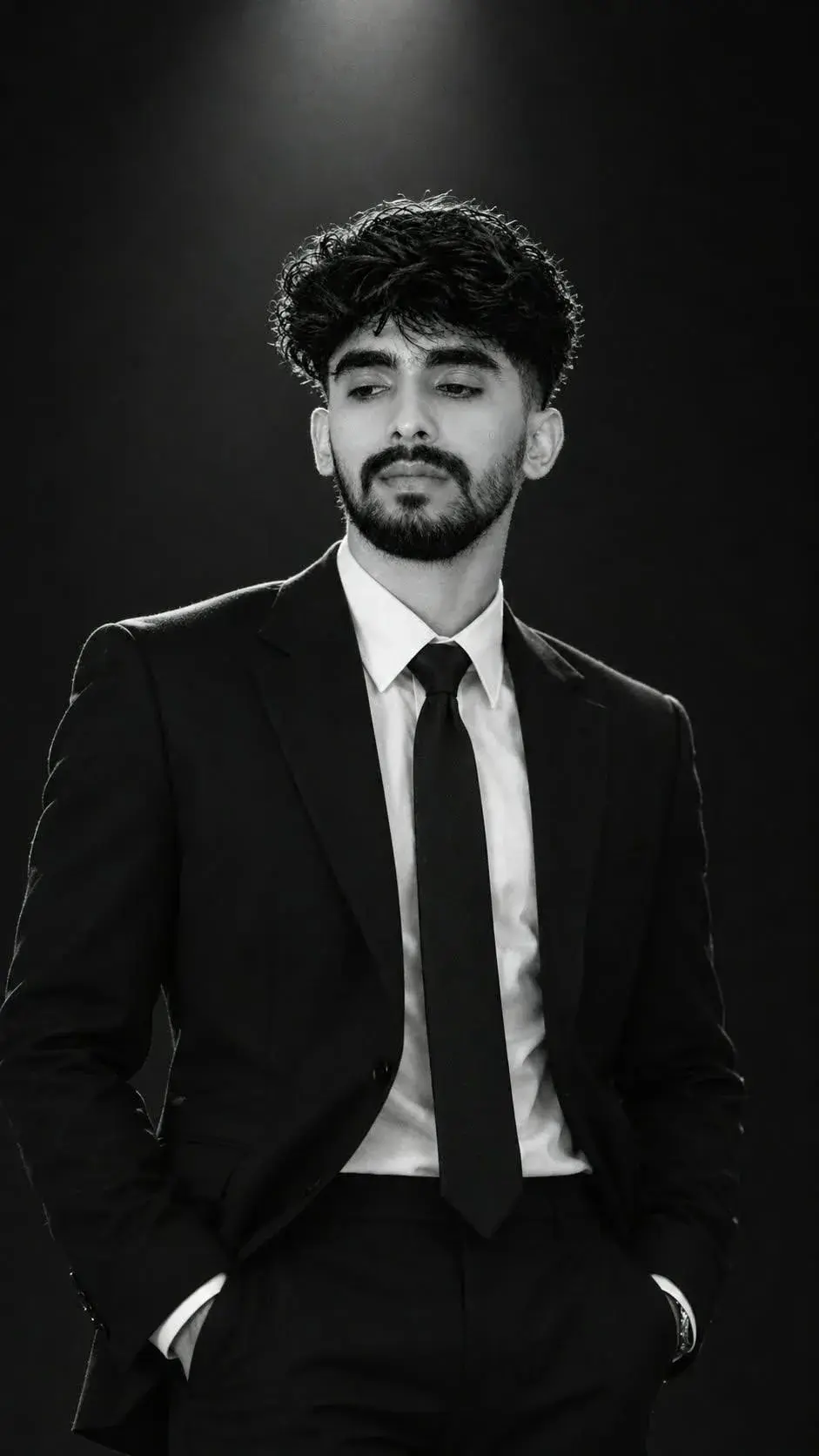
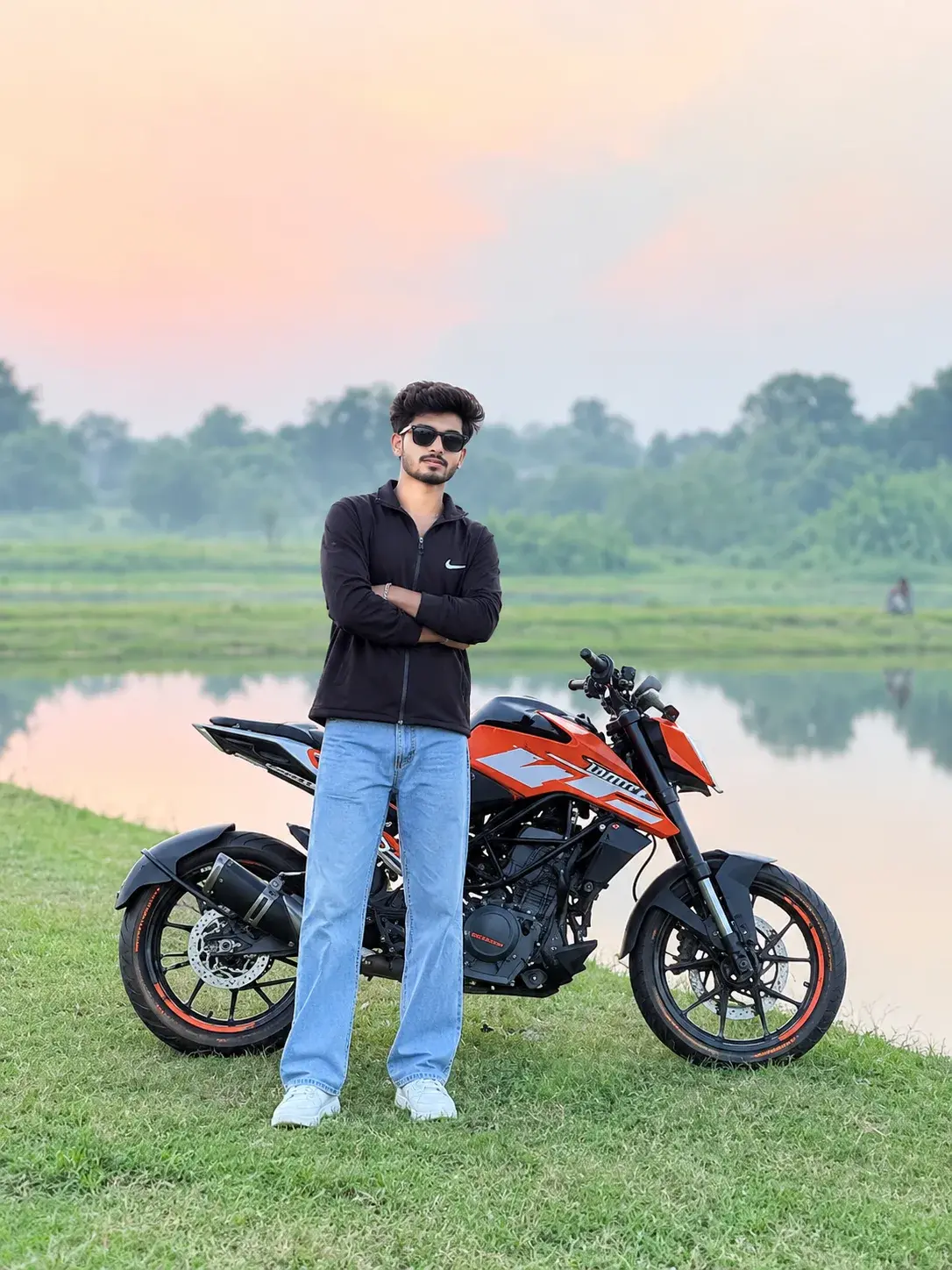
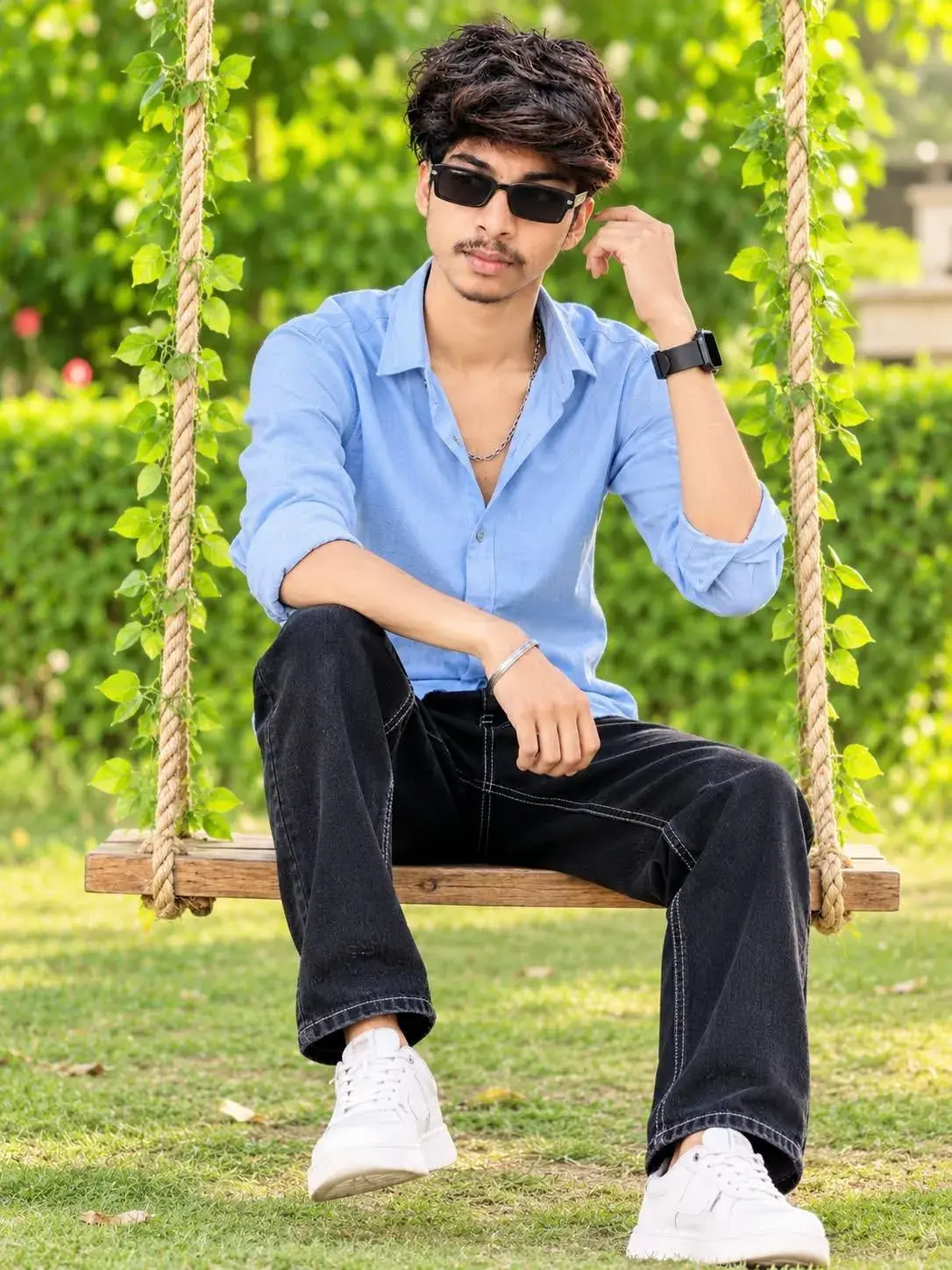
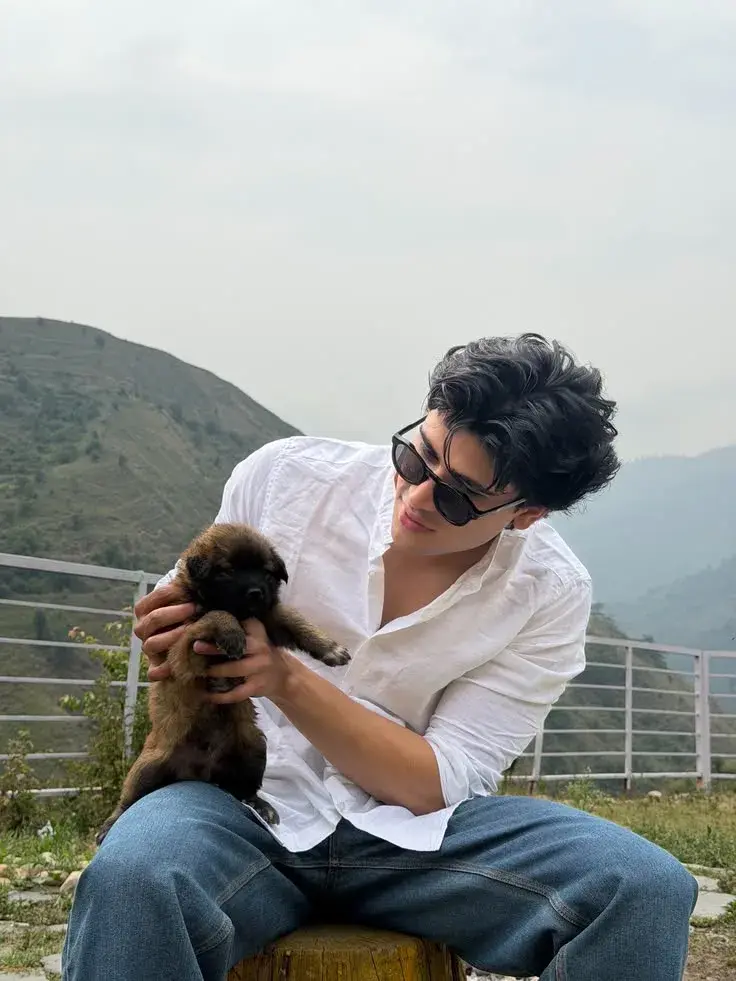
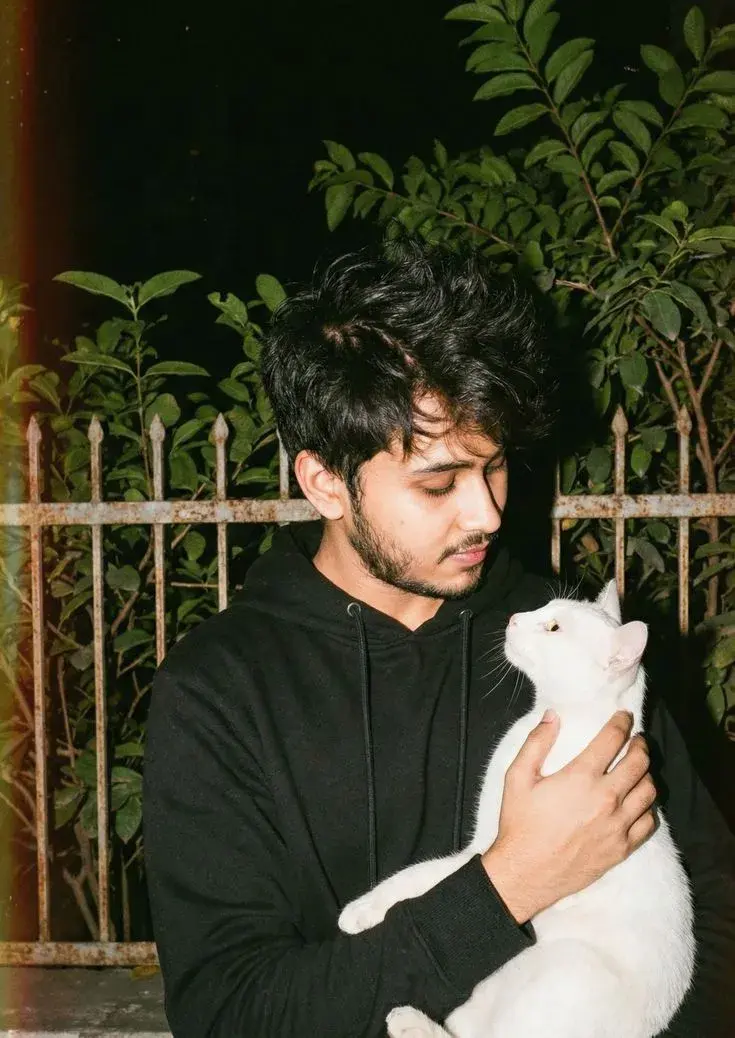
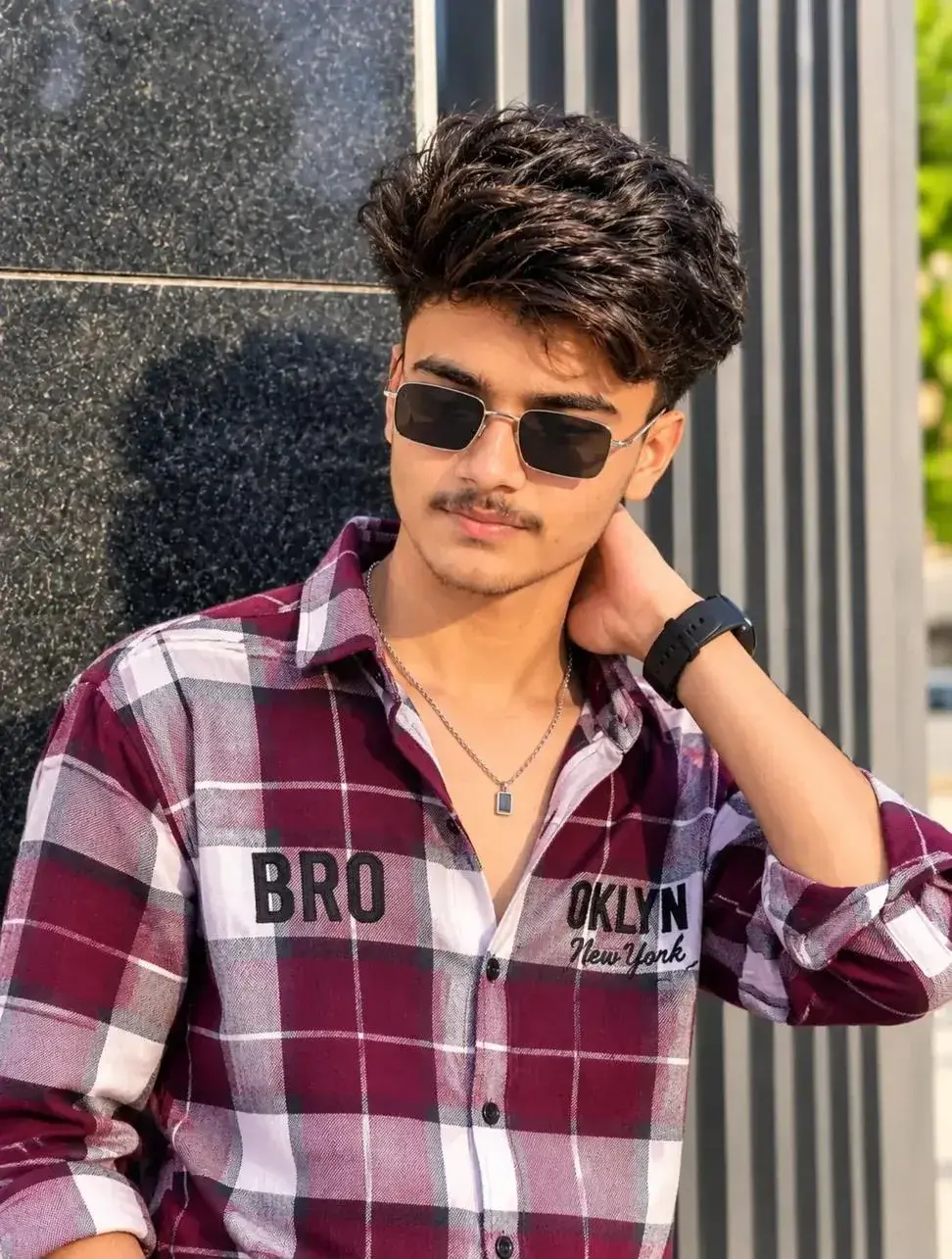
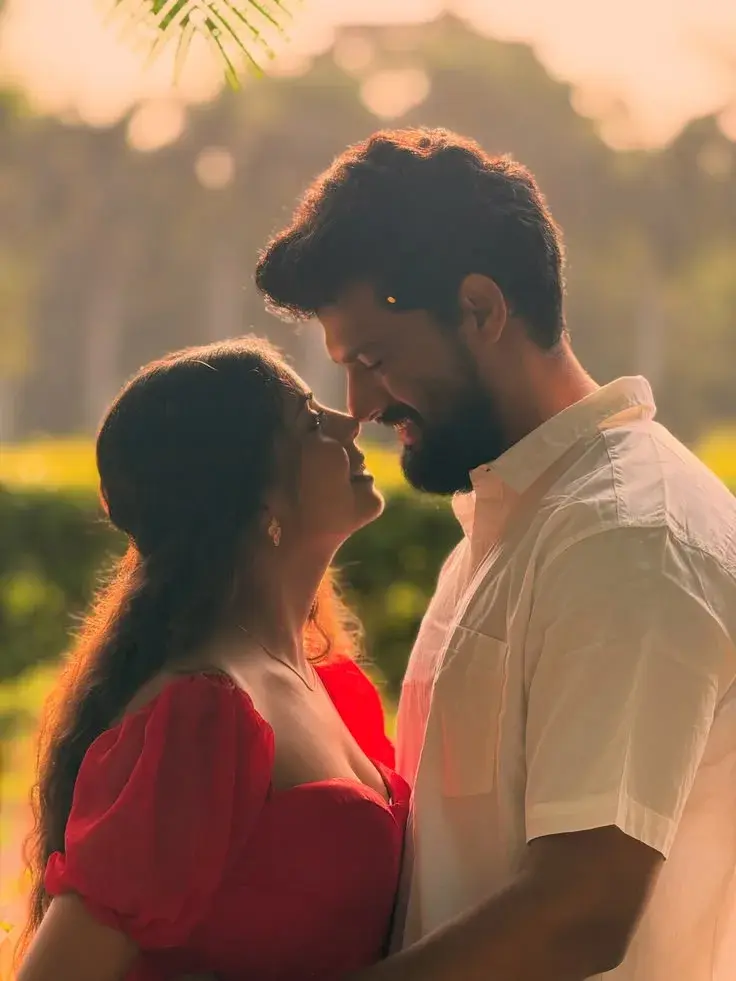
Transform the uploaded photo into a dramatic cinematic AI portrait while keeping the person EXACTLY in their original position.
Preserve the person's exact original pose, body position, posture, proportions, silhouette, camera angle, framing, hairstyle, clothing, accessories, phone/objects, hand placement, head position, and overall composition. Do NOT move, reshape, replace, or exaggerate any body part. Do NOT change the person's pose or recreate them in a different position.
Apply the effect directly to the ORIGINAL PHOTO rather than generating a completely new person.
Create a dark, moody background, with the surroundings becoming deep black or very dark brown while keeping the subject clearly separated from the background.
Add an intense warm golden backlight directly behind the person, creating a bright glowing rim of light around the entire visible outer silhouette — especially around the hair, shoulders, arms, and clothing edges. Make the rim light look like powerful sunlight shining from behind, with a soft luminous glow spreading slightly around the silhouette.
Give the subject a polished cinematic AI-enhanced appearance: smooth but realistic skin, refined details, slightly dreamy digital-art finish, realistic lighting, subtle warm highlights, strong contrast, and high-quality rendering.
Keep the person's ORIGINAL clothing exactly as it is. Do not replace, redesign, recolor, or alter the outfit. Preserve all original clothing details and colors.
Keep the person's identity and natural appearance consistent with the uploaded photo. Do not alter facial structure or body proportions.
The final result should look like a viral cinematic AI portrait filter: dark background, powerful golden halo/rim light, glowing edges around the subject, realistic person, dramatic backlighting, subtle AI-polished finish, high detail, and premium cinematic quality.
MOST IMPORTANT — IDENTITY & GEOMETRY LOCK: Preserve the exact original silhouette, pose, proportions, clothing placement, hand position, head position, camera perspective, body position, and framing. Only modify the lighting, background atmosphere, cinematic glow, contrast, and rendering quality. The person must remain in EXACTLY the same position as the uploaded image.