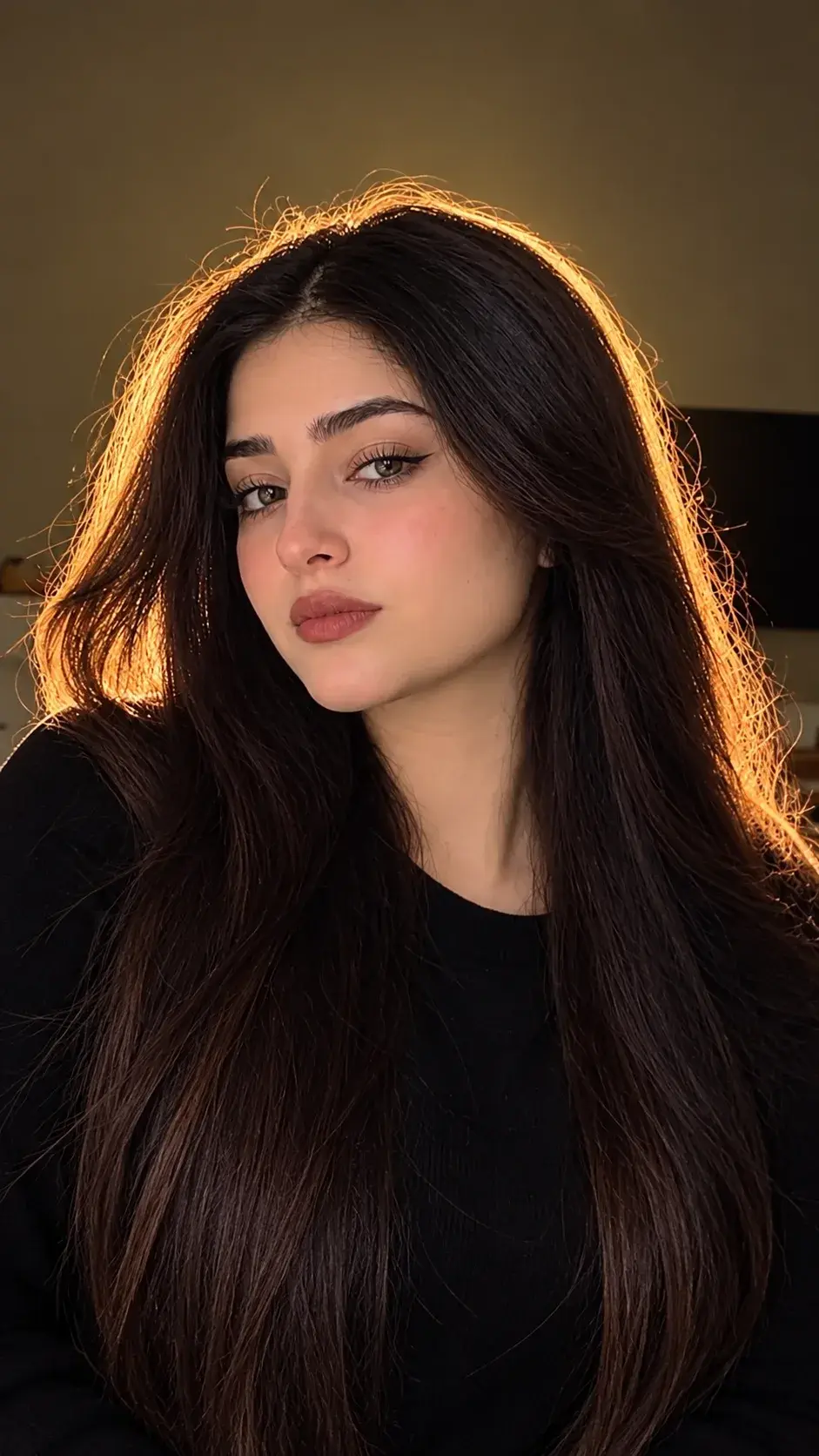
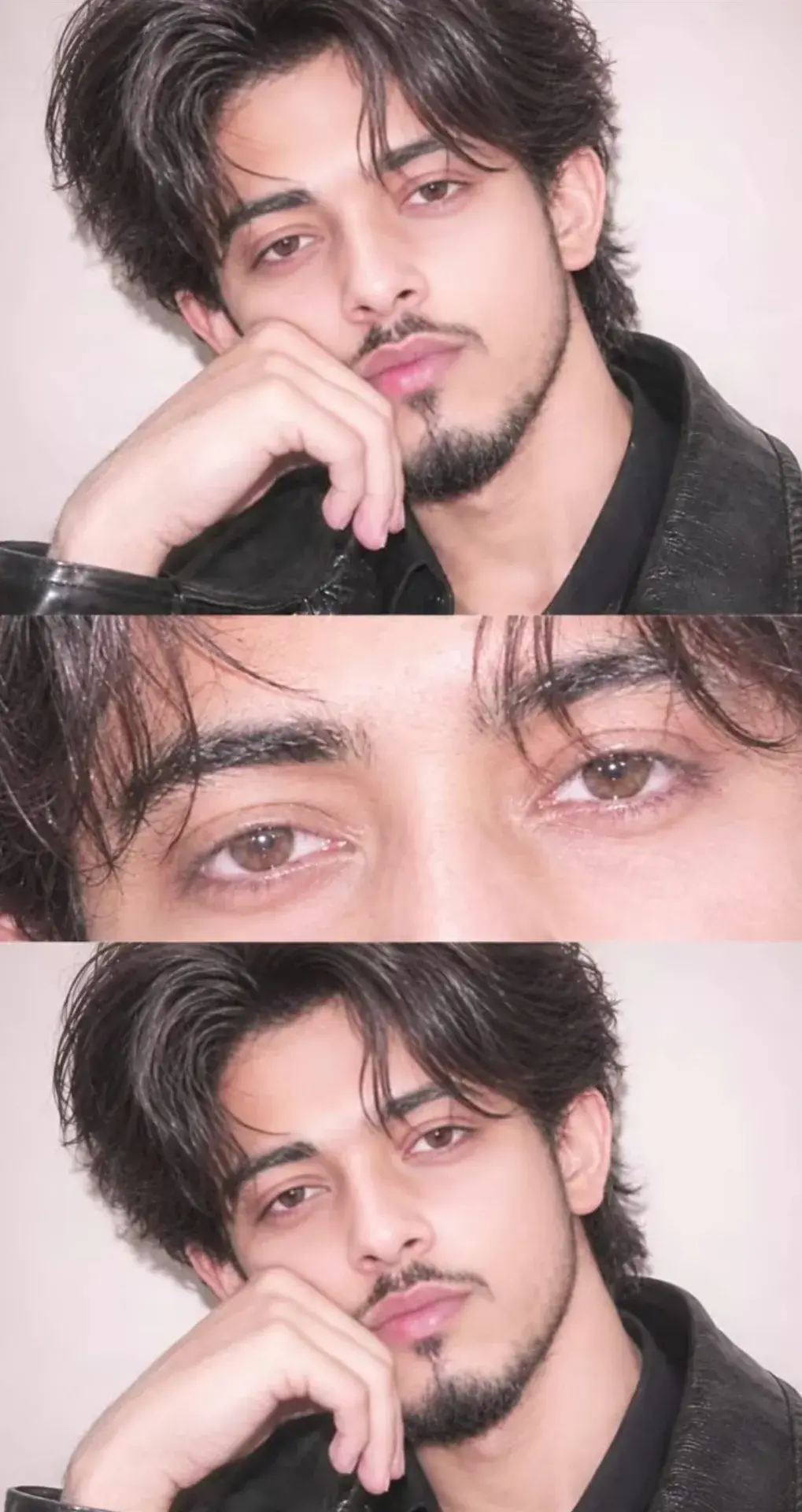
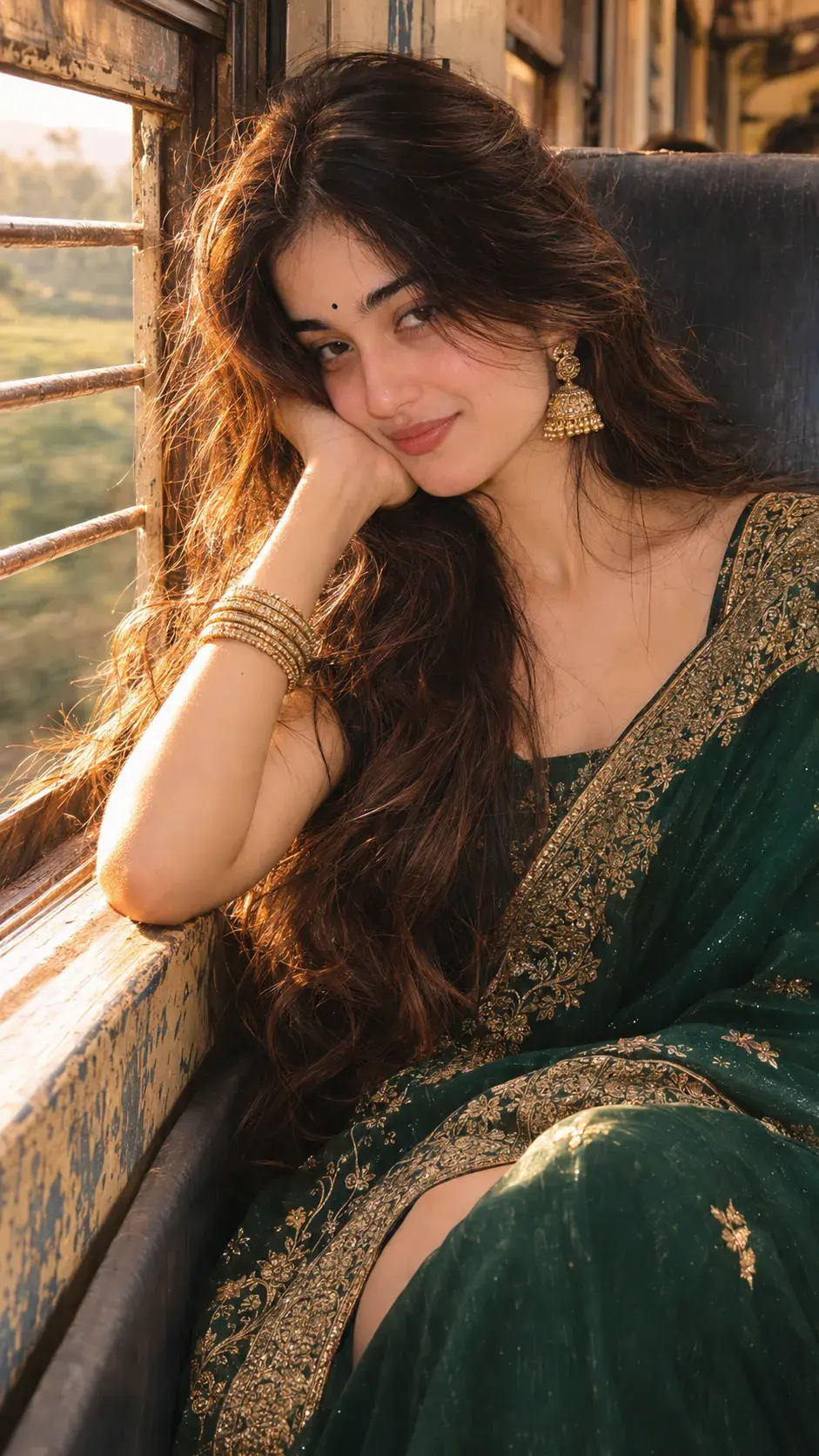
Transform The Uploaded Photo Into A Cinematic
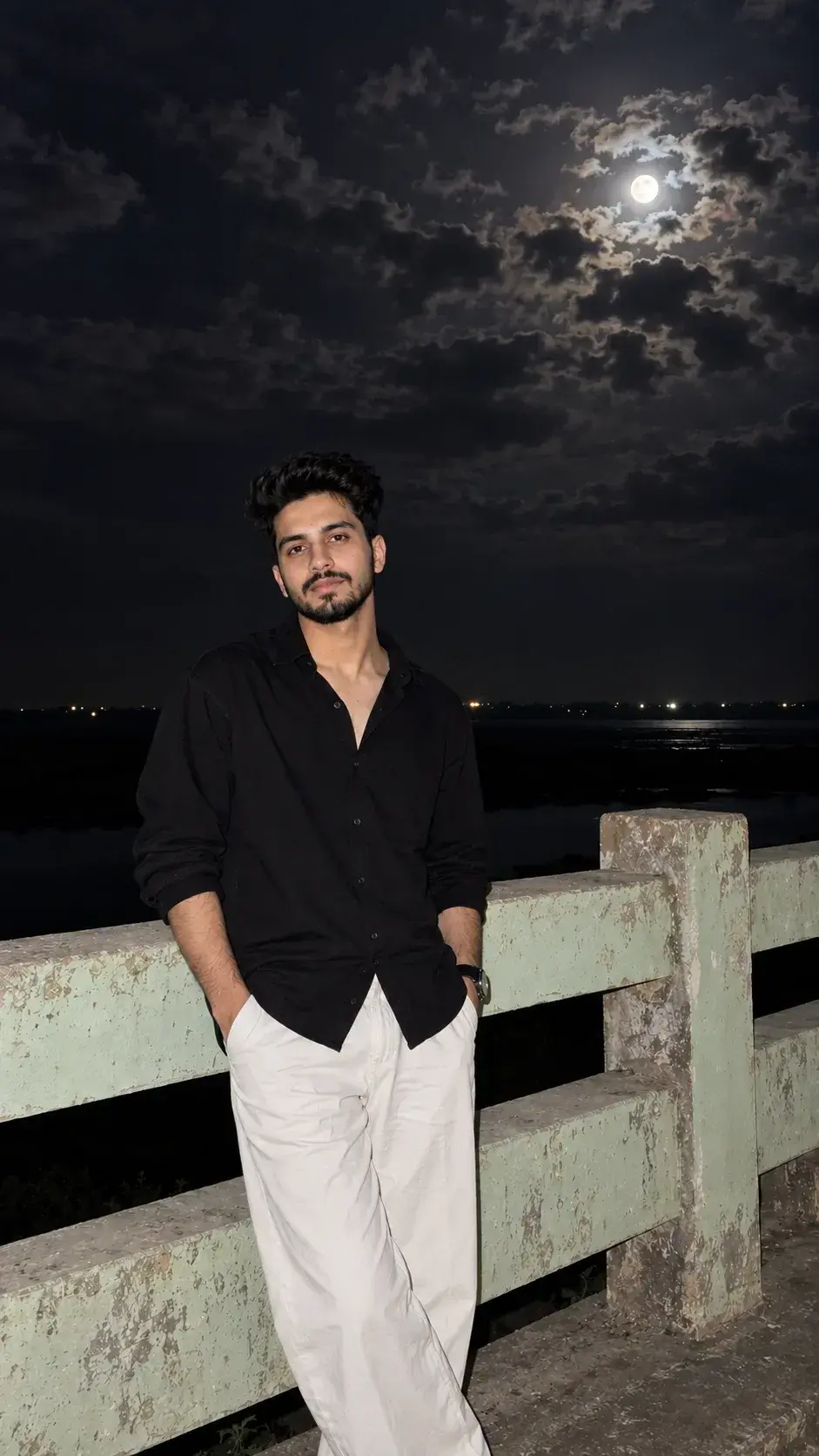
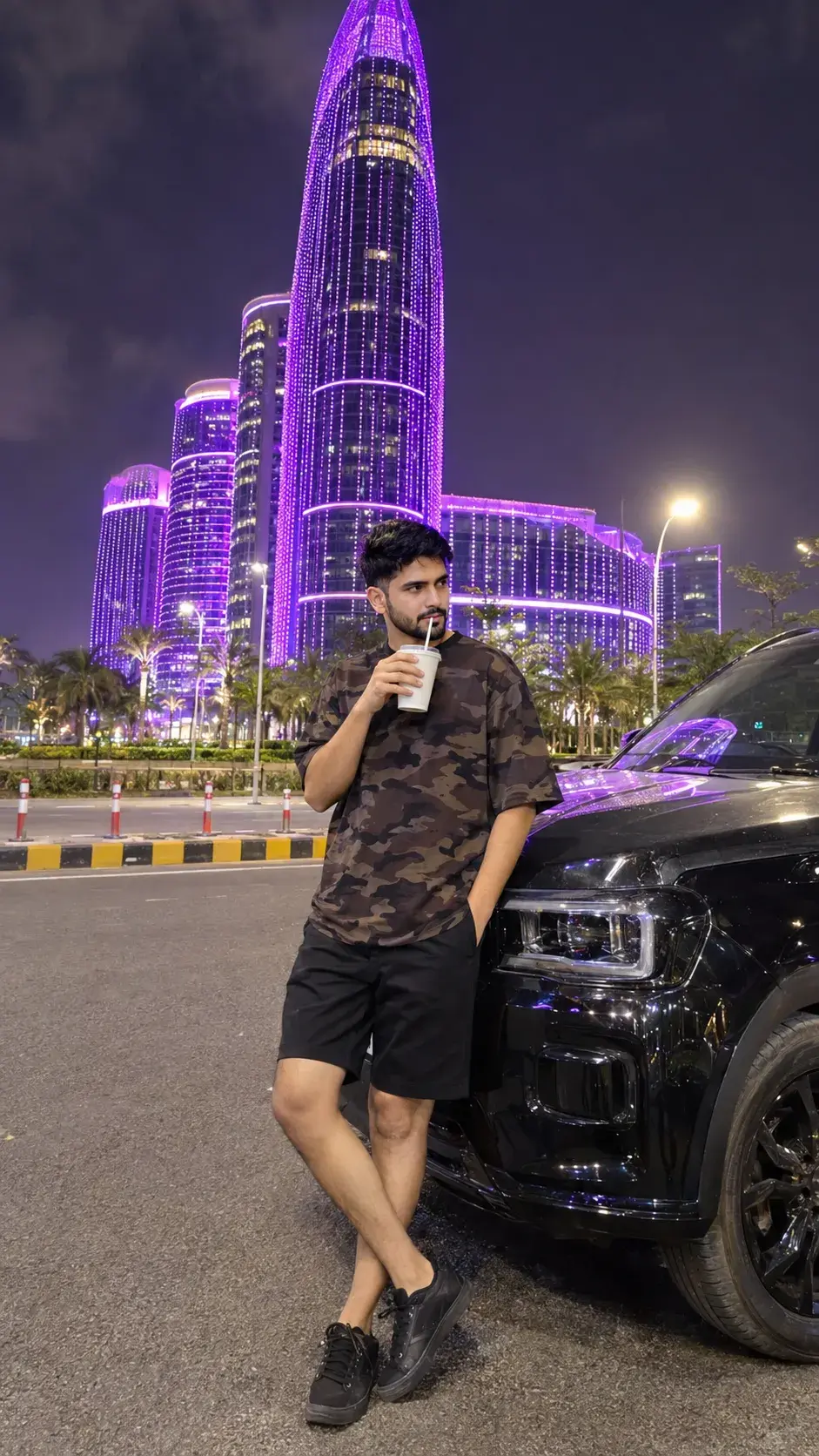
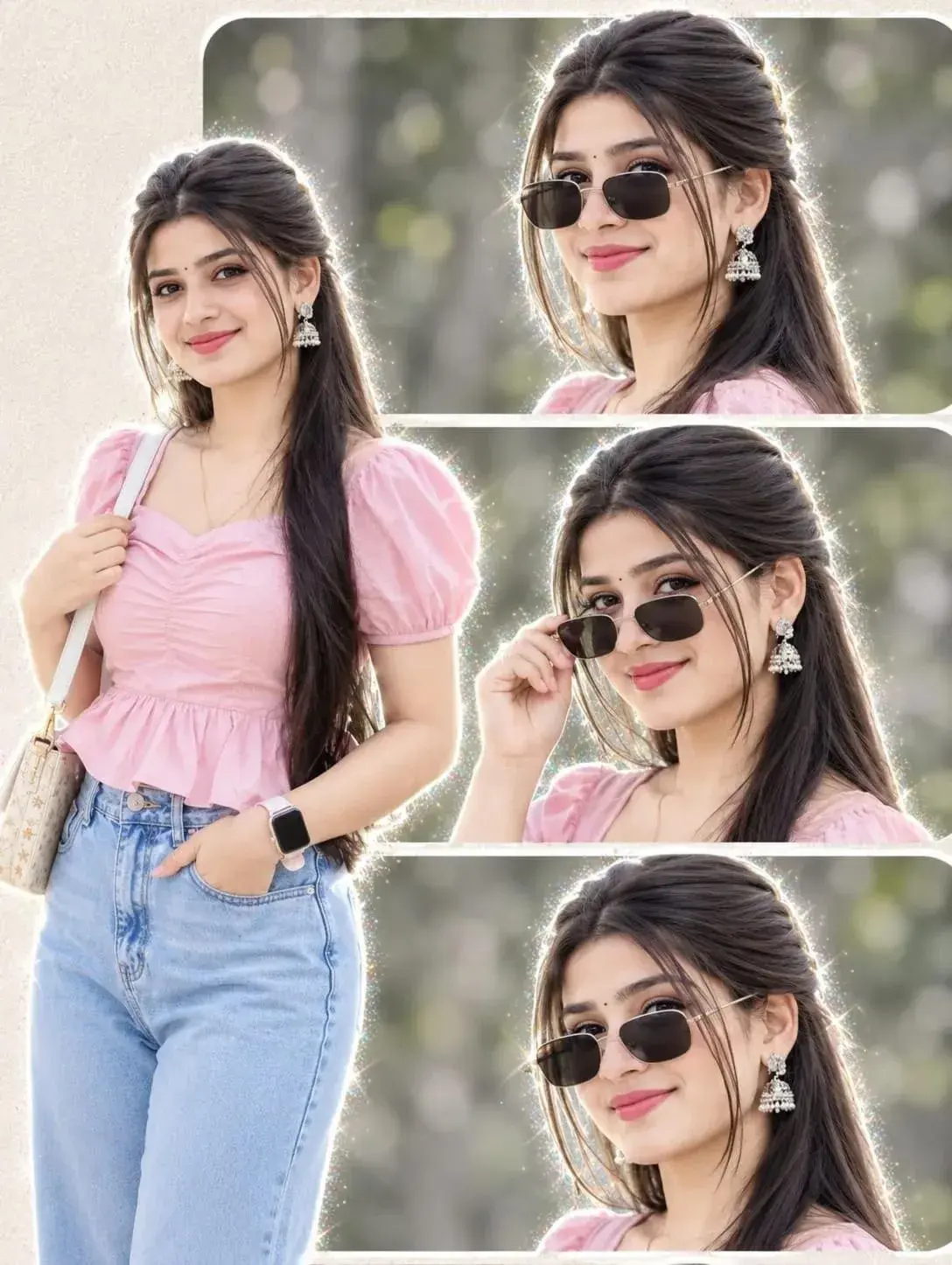
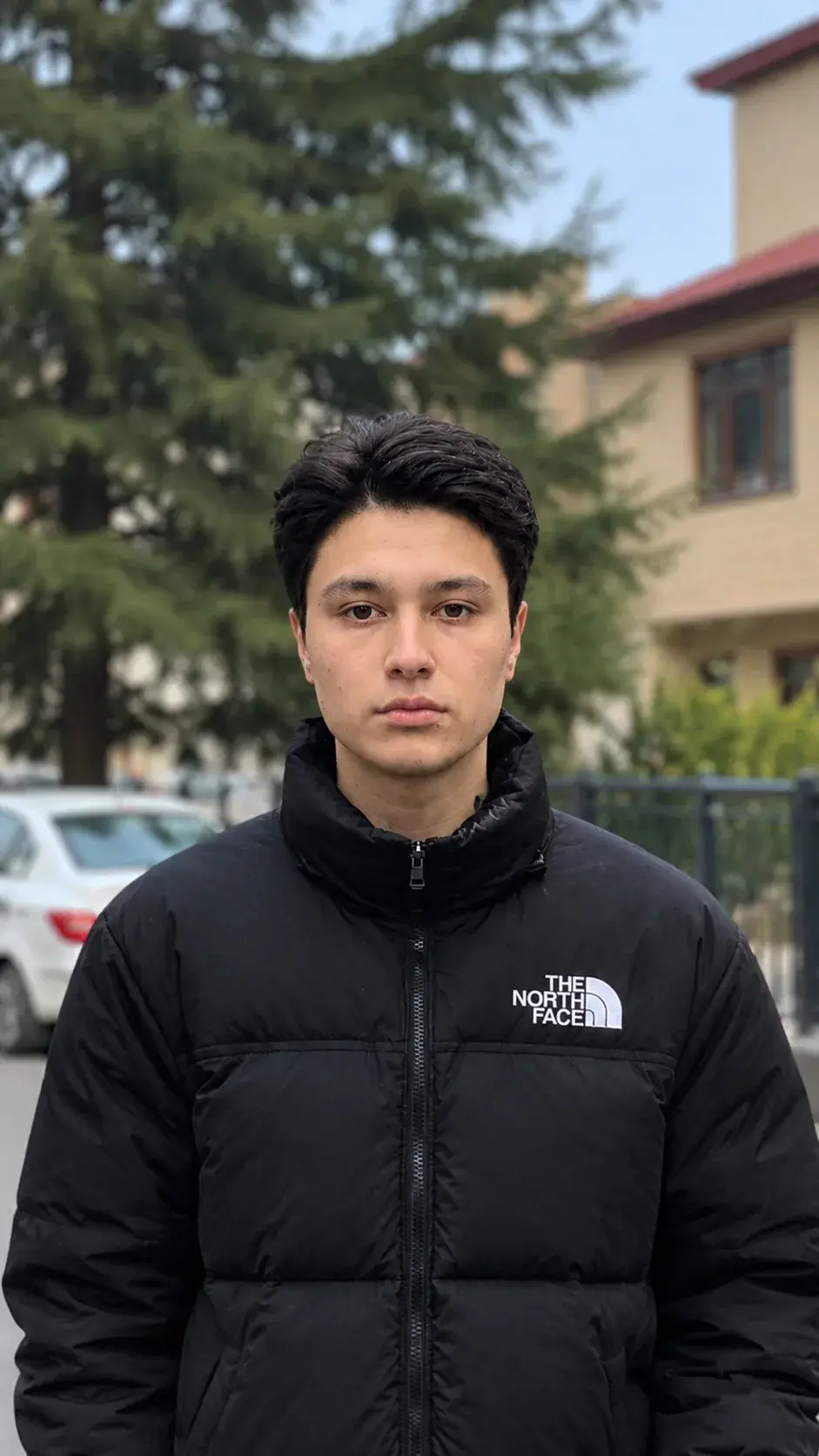
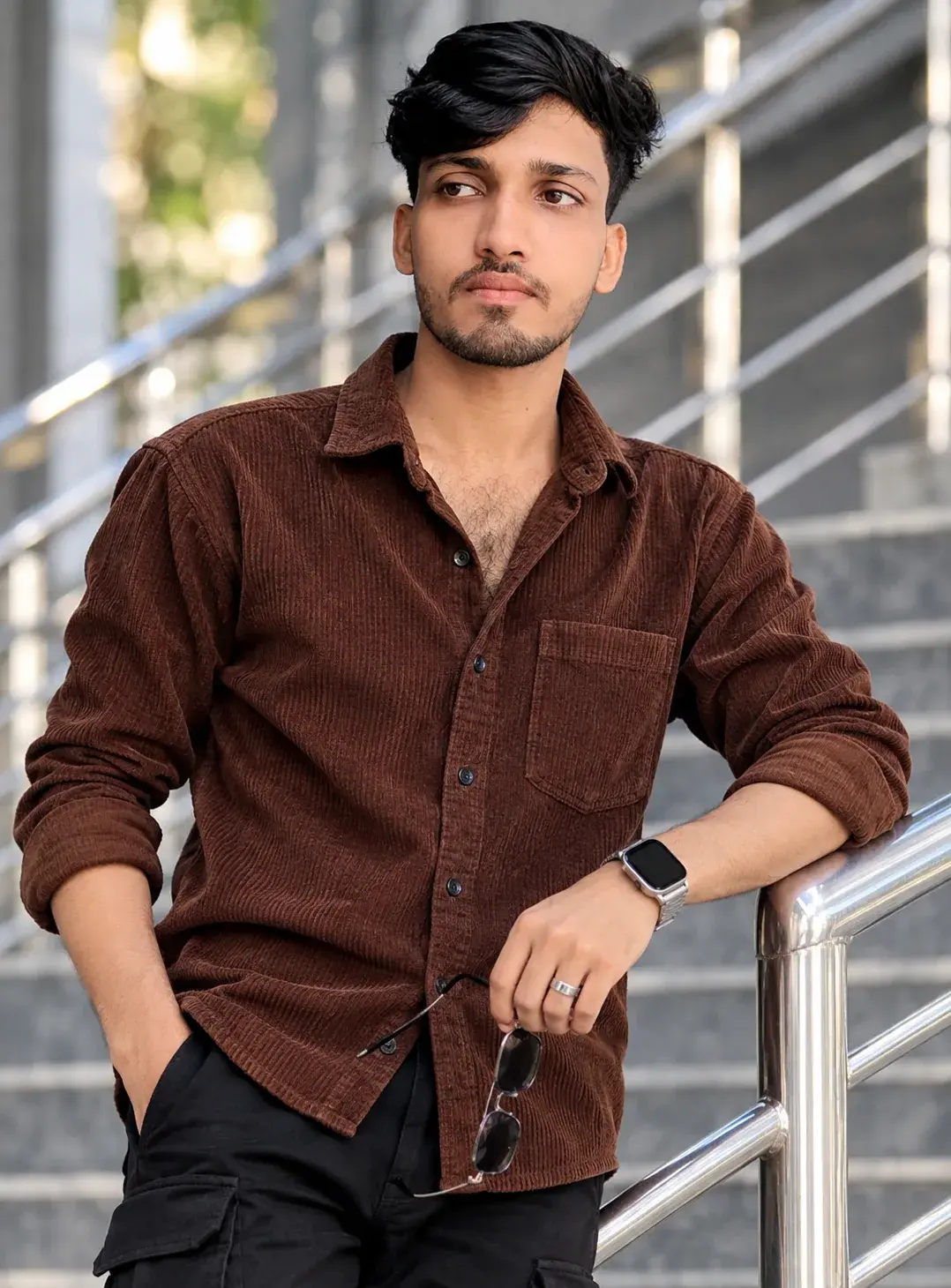
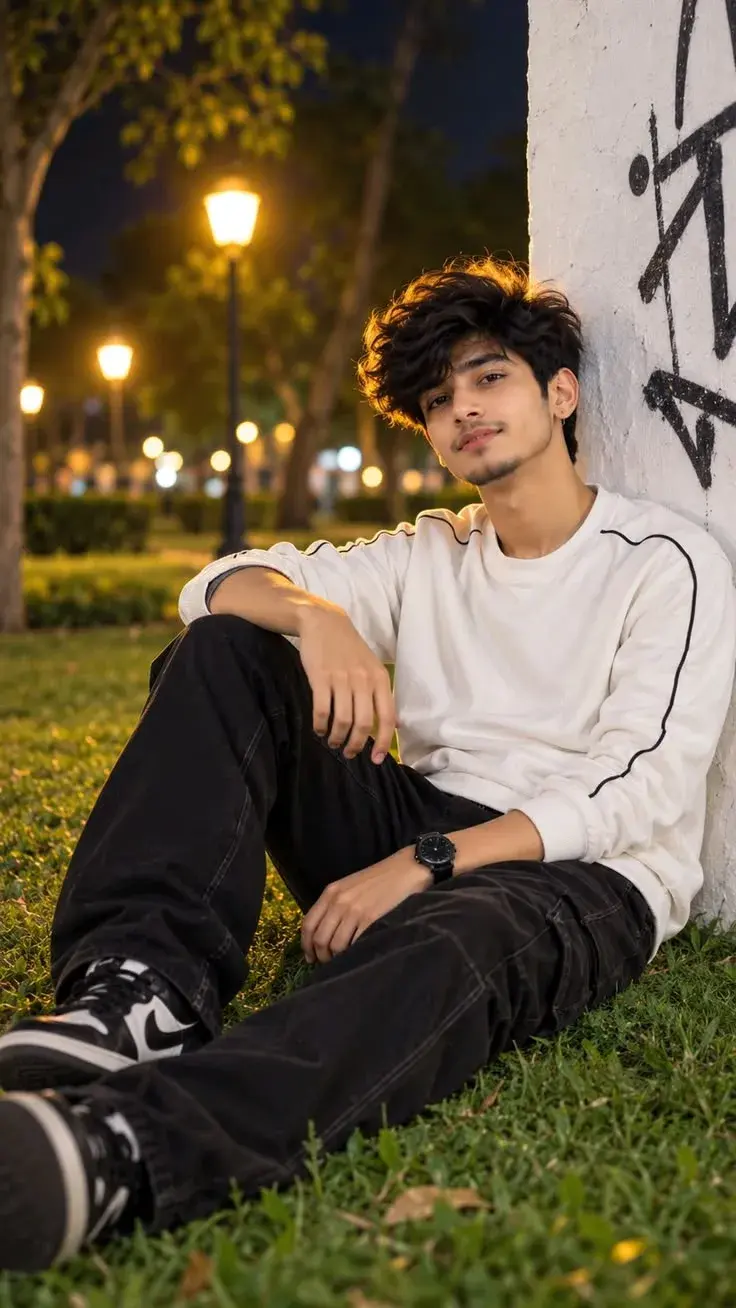
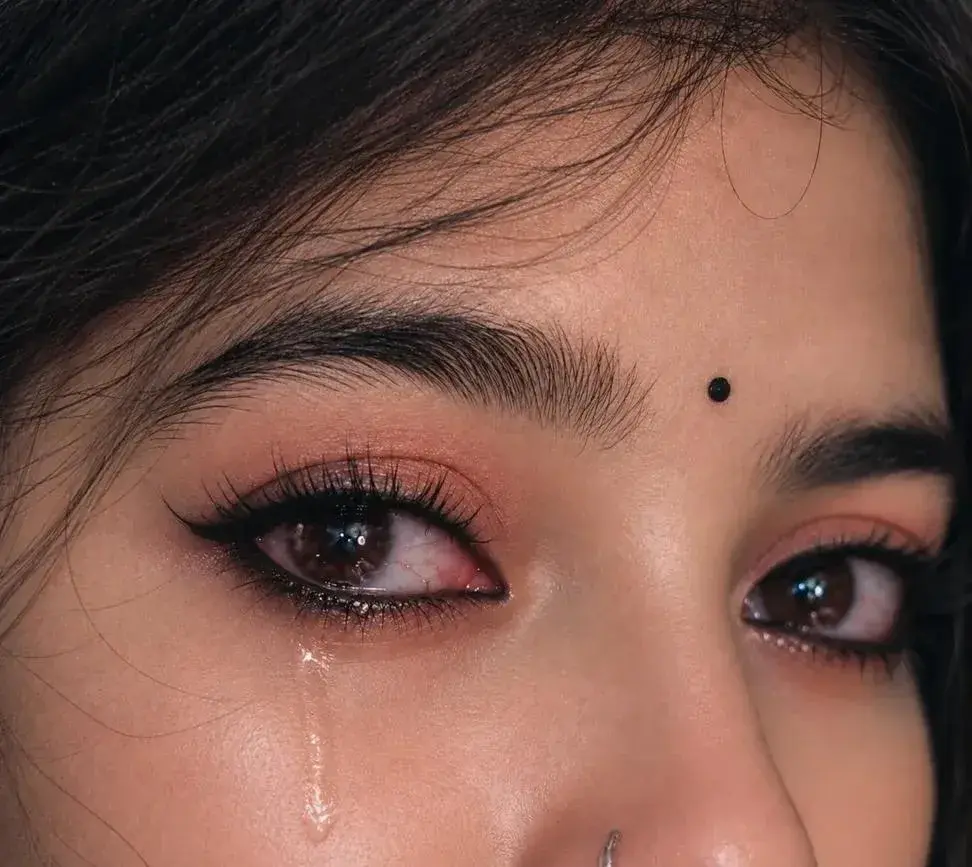
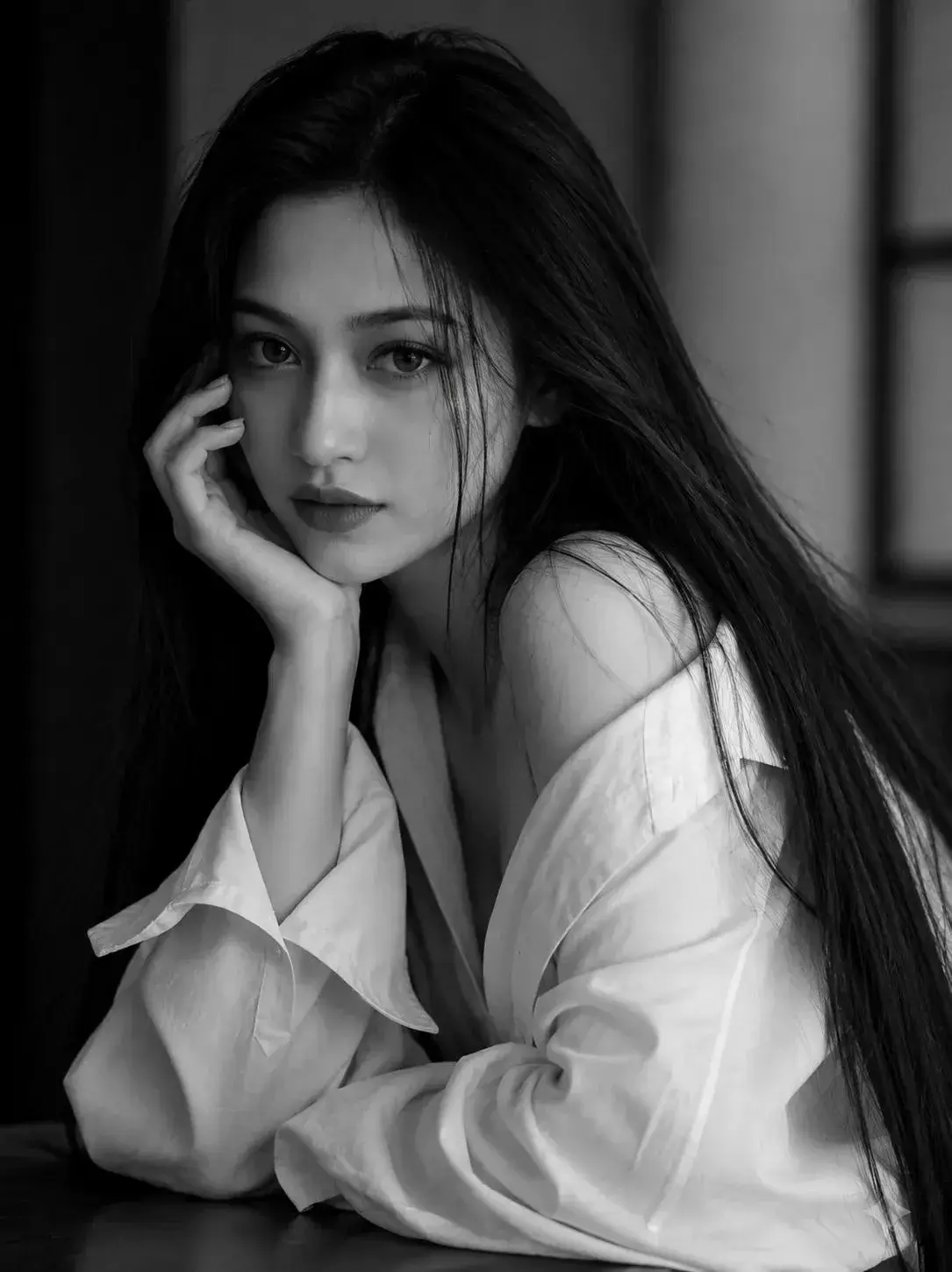
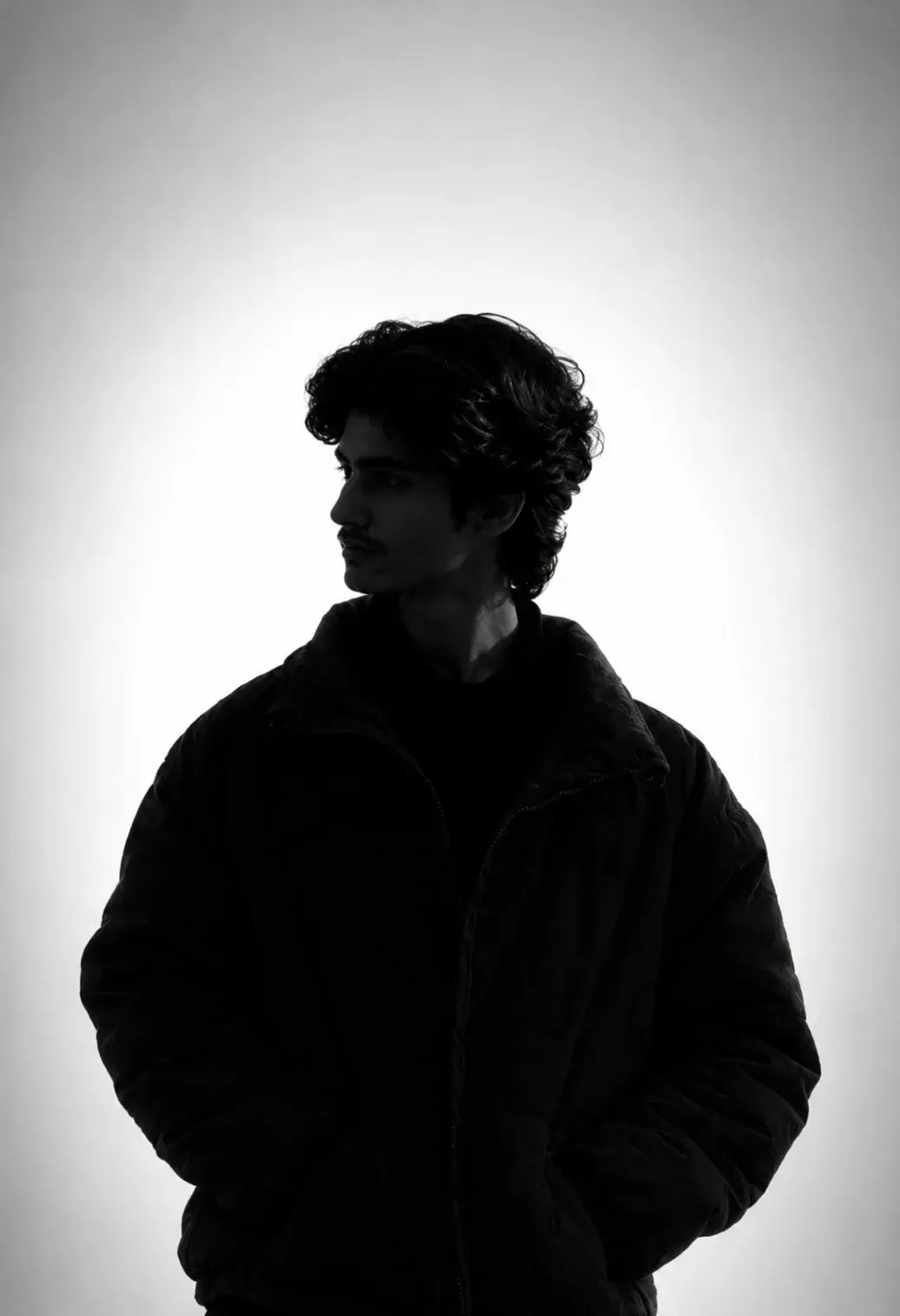
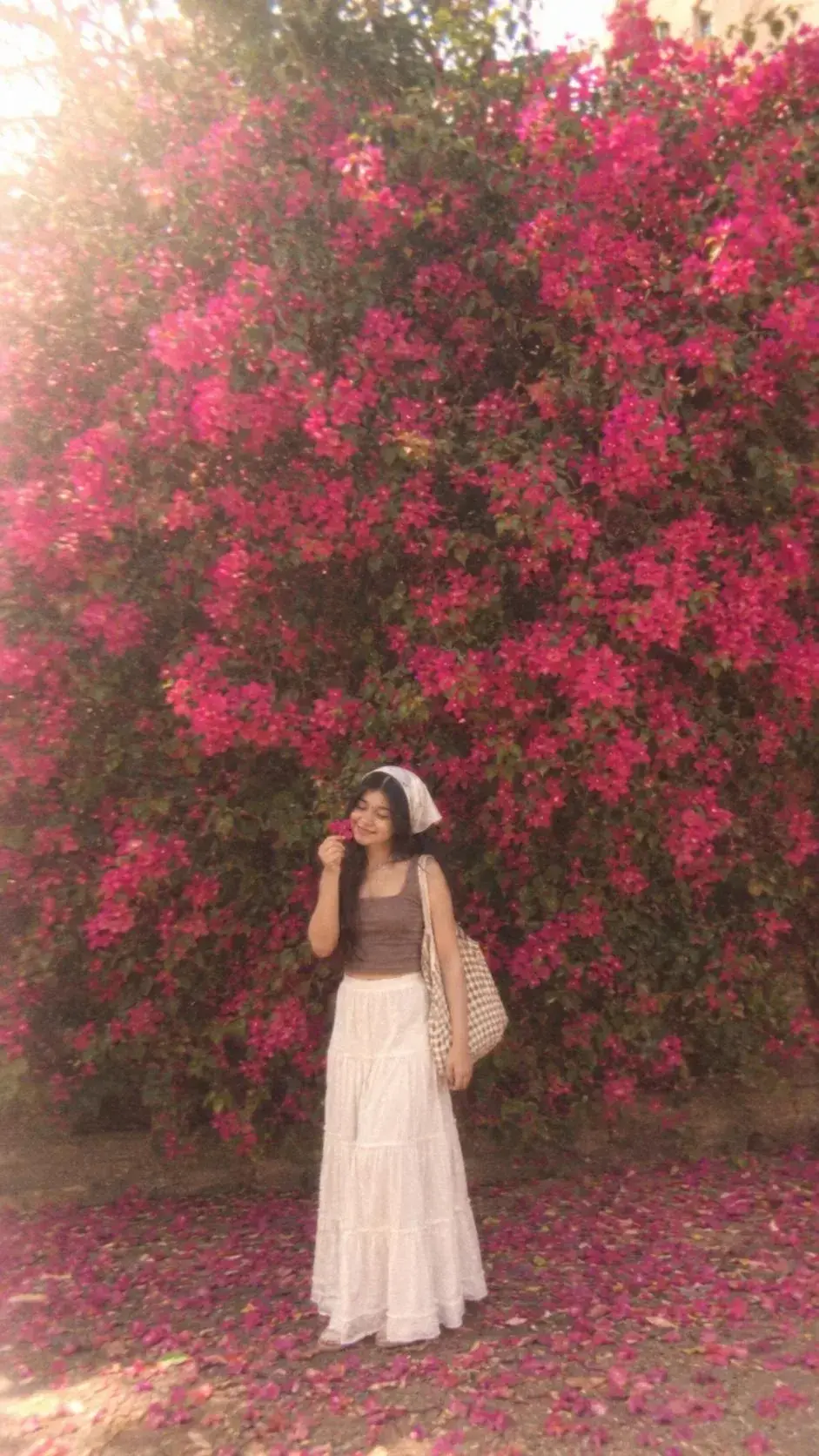
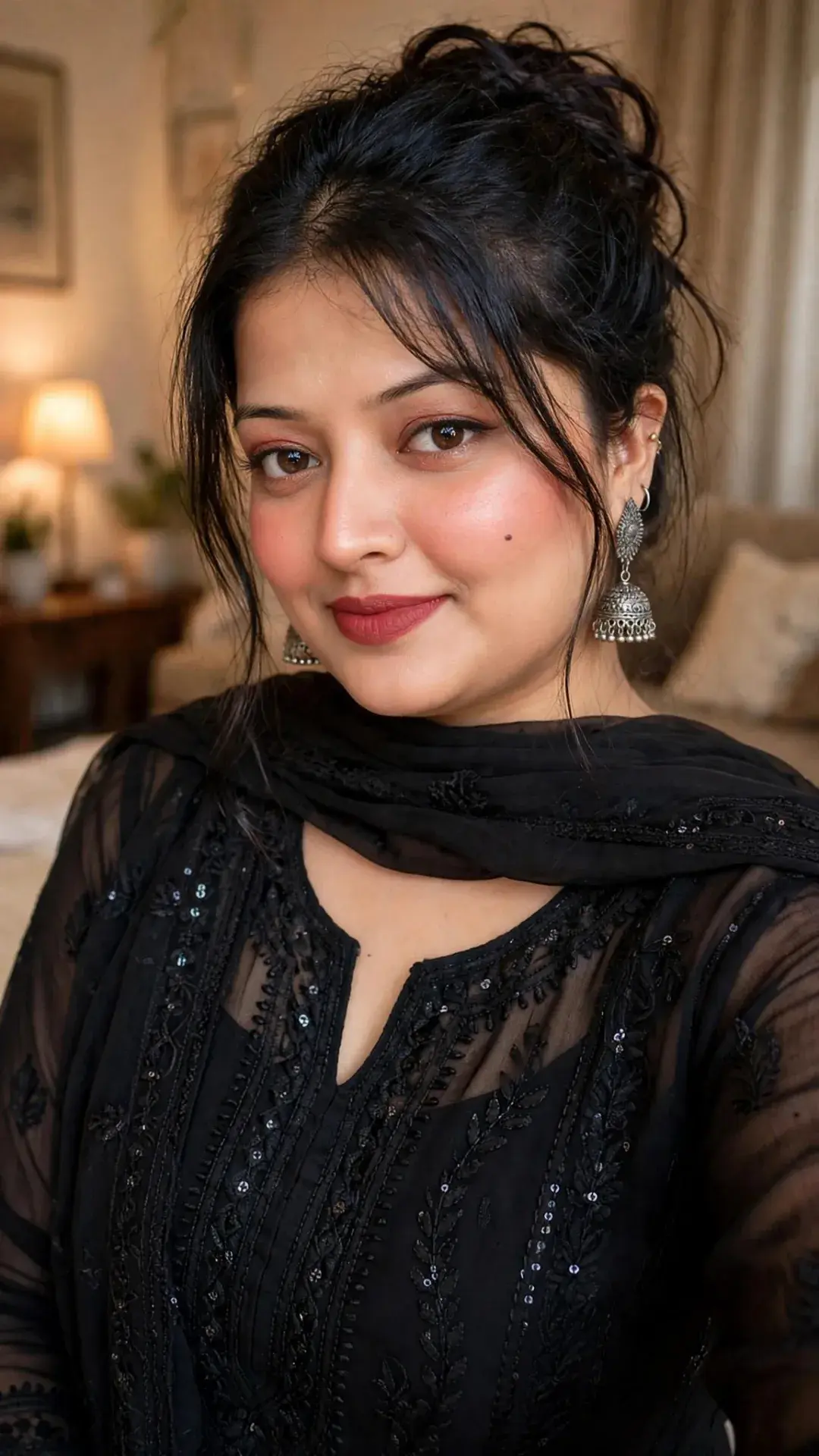
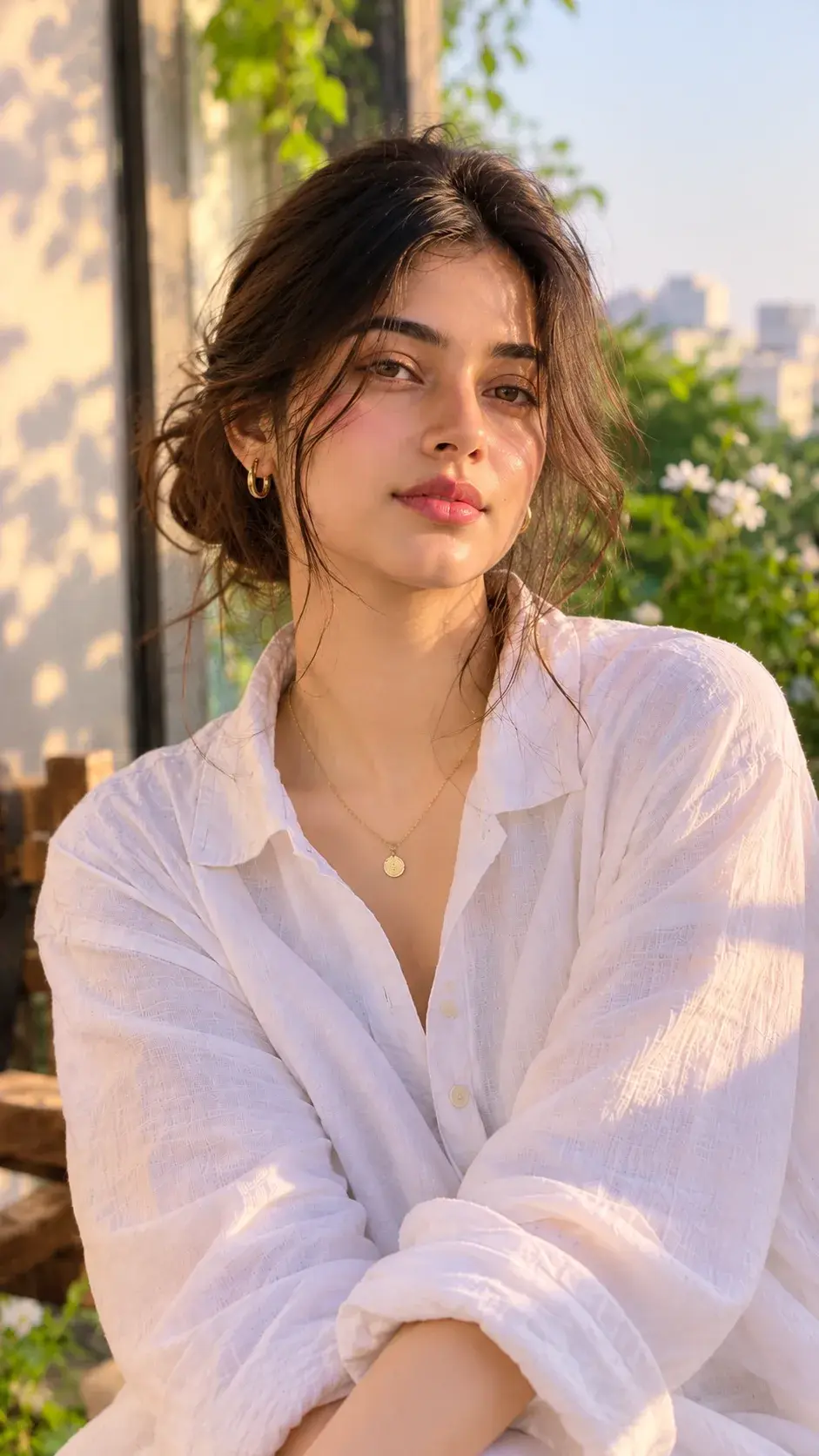
Transform the uploaded photo into a cinematic real-life and anime fusion scene. Keep the main subject completely recognizable, preserving their original face, hairstyle, body proportions, clothing, accessories, pose, and overall appearance. Add a small full-body anime version of the same person standing naturally behind them, wearing the exact same outfit and matching the hairstyle and colors. Give the anime character a polished modern anime design with crisp linework, expressive eyes, subtle cel shading, and slightly exaggerated proportions. The anime character should hold a powerful flashlight directed toward the real subject's back. Create an intense realistic white light beam with strong illumination, soft atmospheric glow, bright edge lighting, realistic shadows, and subtle light particles. Slightly darken the surrounding environment to emphasize the flashlight while maintaining the original sunset/outdoor atmosphere. Preserve the original background, camera perspective, framing, composition, and photographic realism. Make the anime character feel naturally integrated into the environment with accurate contact shadows and lighting interaction. Create a highly detailed, cinematic, realistic-looking final image with a seamless anime-meets-photography effect. Ratio 4:5